On this page
Most product teams treat "Sign in with Google" as a trust signal. The reasoning: Google verified the email, so the user is real. In 2026, that reasoning is broken.
Here's how much it costs to buy a batch of aged, phone-verified Google accounts: about $0.40 each, bulk-purchased from Telegram sellers. Microsoft accounts are $0.20. Apple IDs (which require paid device attestation) run $2–$5. For a fraudster running a bonus-abuse farm or a SaaS trial scraper, this is an operating cost, not a barrier.
How OAuth signup fraud works in practice
Fraudsters target OAuth signups specifically because most platforms skip their usual fraud checks when the user authenticates with Google or Apple. The typical flow:
- Buy 500 aged Google accounts ($200 total). Aged = created 6+ months ago, with login history and a verified phone.
- Spin up a Kameleo profile per account — unique canvas, WebGL, timezone, user agent.
- Route each session through a different residential proxy endpoint.
- Hit the target signup flow, complete OAuth, redeem the signup bonus / trial / free credits.
- Repeat 500 times. Cash out.
Because the user hit Google's consent screen and logged in successfully, every signal your application sees looks legitimate: verified email, established account history, no password to crack. Your fraud model never gets invoked.
Try it on your own forms
One call before signup, login or checkout returns allow, review or block; the Free plan includes 10,000 visitor checks a month with no card, and setup starts in watch mode, which logs every decision and blocks no one until you turn blocking on.
What signals are actually reliable
Email verification tells you almost nothing about fraud intent. The high-signal checks for OAuth signups are all device- and network-layer:
- Residential proxy flag — fraudsters need proxies to rotate IPs across 500 signups. Every signup that comes through a detected proxy gets a block decision by default.
- Antidetect-browser tampering — aged Google accounts are worthless unless the fraudster can rotate browser fingerprints per session. That rotation is what tampering detection catches.
- Visitor ID persistence — a single device completing 12 OAuth signups in a day is diagnostic. Verified email, verified device, 12 accounts — that's the fraud pattern in one line.
- Session age vs account age — a fresh session on a fresh device claiming an aged Google account is suspicious. Real users' session devices usually correlate with their account history.
The integration, in watch mode first
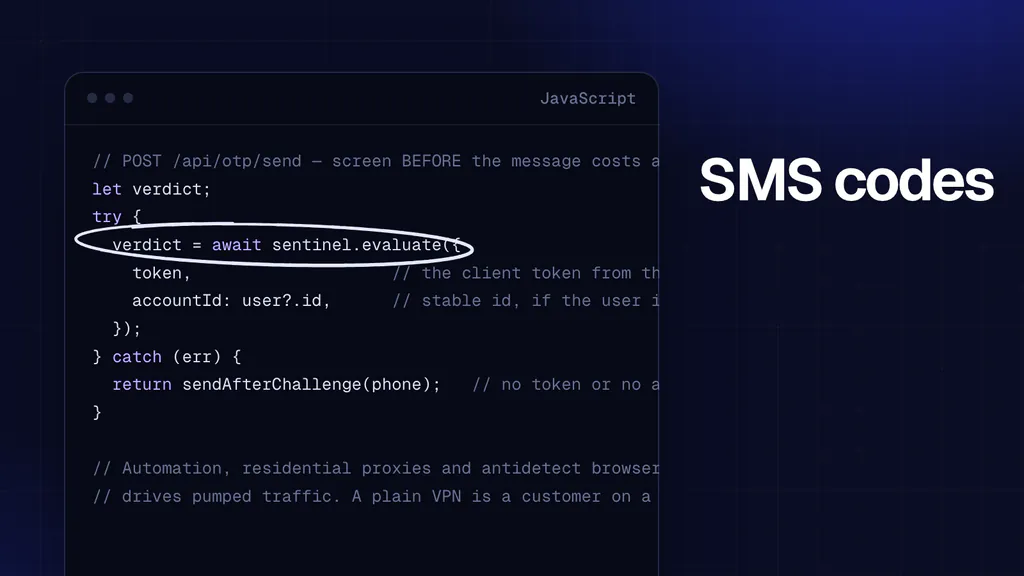
Load <script async src="https://maskbreak.com/assets/sentinel.js"></script> on the sign-in page. When Google hands your page the ID token, call await window.Sentinel.collect() (check that window.Sentinel exists, and sign in anyway when it does not) and post its token, fingerprintEventId and tz to your server with the ID token:
// POST /auth/google: your callback handler. The sign-in page sends the
// Google ID token plus the values from window.Sentinel.collect().
const MODE = process.env.MASKBREAK_MODE || 'watch';   // 'watch' or 'enforce'

app.post('/auth/google', express.json(), async (req, res, next) => {
  const { idToken, token, fingerprintEventId, tz } = req.body || {};

  // 1. Verify the Google ID token as usual
  let email;
  try {
    const ticket = await googleClient.verifyIdToken({ idToken, audience: process.env.GOOGLE_CLIENT_ID });
    email = ticket.getPayload().email;
  } catch (_) {
    return res.status(401).json({ error: 'invalid_id_token' });
  }

  // 2. Ask Maskbreak what this session looks like, even without a token
  let verdict = null;
  try {
    const r = await fetch('https://maskbreak.com/v1/evaluate', {
      method: 'POST',
      headers: {
        Authorization: 'Bearer ' + process.env.MASKBREAK_API_KEY,
        'Content-Type': 'application/json',
      },
      body: JSON.stringify({
        token: token || '',
        fingerprintEventId: fingerprintEventId || undefined,
        tz: tz || undefined,
        email,
      }),
      signal: AbortSignal.timeout(3000),
    });
    if (r.ok) verdict = await r.json();
  } catch (_) { /* outage: no verdict, sign-in continues */ }
  console.log('[maskbreak]', JSON.stringify({
    mode: MODE,
    decision: verdict ? verdict.decision : null,
    reasons: verdict ? verdict.reasons : null,
    device_evidence: verdict ? verdict.device_evidence : null,
    degraded: verdict ? !!verdict.degraded : null,
  }));

  try {
    // 3. Count prior accounts made from the same browser
    const visitorId = verdict && verdict.device ? verdict.device.visitor_id : null;
    const prior = visitorId ? await countUsersByVisitor(visitorId) : 0;

    if (MODE === 'enforce' && ((verdict && verdict.decision === 'block') || prior > 3)) {
      return res.status(403).json({ error: 'signup_blocked' });
    }

    // Create the account, keeping the visitor ID for the weekly query below
    await createUser(email, visitorId);
    res.json({ ok: true });
  } catch (err) {
    next(err);   // Express 4 does not catch a rejected promise: an uncaught one ends the process
  }
});
In watch mode, the default, every sign-in is checked and logged and nothing is refused. Compare the log lines with the console's Events for a few days before you set MASKBREAK_MODE=enforce; the account threshold is yours to tune against your own traffic.
Apple Sign-In: same problem, slightly rarer
Apple IDs are harder (and more expensive) to farm because of the $99 developer entry for reliable bulk generation. But they're not immune — particularly because Apple's "hide my email" feature generates unique relay addresses, making email-based deduplication useless. The same device-layer checks apply.
What about magic-link / passwordless?
Same problem, same solution. Magic link flows let you verify "someone controls this email," but they give you zero information about whether the device / network context is legitimate. Maskbreak runs on the client page regardless of the auth method, so you can gate any email-verification flow the same way. For the wider set of tools that stop fake signups, see the fake account detection software compared.
Dashboard insight: catching the farm
The operational signal you want in your dashboard: accounts per visitor ID. Run this weekly:
SELECT visitor_id, COUNT(*) as accounts
FROM users
WHERE created_at >= NOW() - INTERVAL '7 days'
GROUP BY visitor_id
HAVING COUNT(*) > 3
ORDER BY accounts DESC;
A visitor ID behind more than a few accounts in a week deserves a look, and the threshold is yours to set against your own traffic. To act on one, open one of its checks in the console's Events and pin that visitor to Block under Rules, Always allow or block: its later checks then come back as block, whichever Google account it uses next, for as long as the browser keeps that identity.
Getting started
The Free plan at maskbreak.com/signup includes the visitor ID. Add the check next to your OAuth callback in watch mode, and read the log lines and the console's Events before you enforce anything.
Update: agent-driven signups
A pattern worth adding: signups completed by a browser-driven agent on a real person's behalf. The OAuth handshake is genuine, the Google or Apple account is genuine, and the human did ask for the outcome — but the flow is automated end to end, so every behavioural signal reads like a bot.
Blanket-blocking automation at this step therefore rejects real customers. The workable pattern is the one this post already recommends for other cases: treat the provider assertion as evidence of identity, then scale scrutiny to what the new account can immediately do. An account that can only read is cheap to grant; one that can immediately claim a referral credit is not. The decision guide sets out where to put the gate.
Questions people ask
- Isn't Google Sign-In already secure?
- Google verifies the email, not the session. Fraudsters buy aged Google accounts in bulk and complete real OAuth flows with them. Your application sees a legitimate sign-in; Google does not know it is one of many signups from the same farm.
- How do I know if I have OAuth signup fraud?
- Symptoms can include signup-bonus redemptions from new accounts that never return, unusually low trial-to-paid conversion, early churn, or referral-payout exploitation. Compare accounts per pseudonymous device identifier with your own legitimate-user baseline before setting a review threshold.
- Can I block this without breaking real users?
- Use multiple signals and a graduated response. Validate thresholds against holdout data, monitor false positives, and send uncertain cases to step-up verification or review instead of promising a perfect block rule.
- Does this work for Apple Sign-In?
- Yes. Maskbreak runs on the browser/webview regardless of OAuth provider. Apple's hide-my-email feature makes email-dedupe useless, but device-level visitor ID is unaffected.
- What does Maskbreak cost for signup protection?
- The Free plan includes 10,000 visitor checks a month with no card. Paid plans raise the allowance, from €29 a month for 50,000 checks; larger volumes are on Enterprise.
Put the check where the attack enters
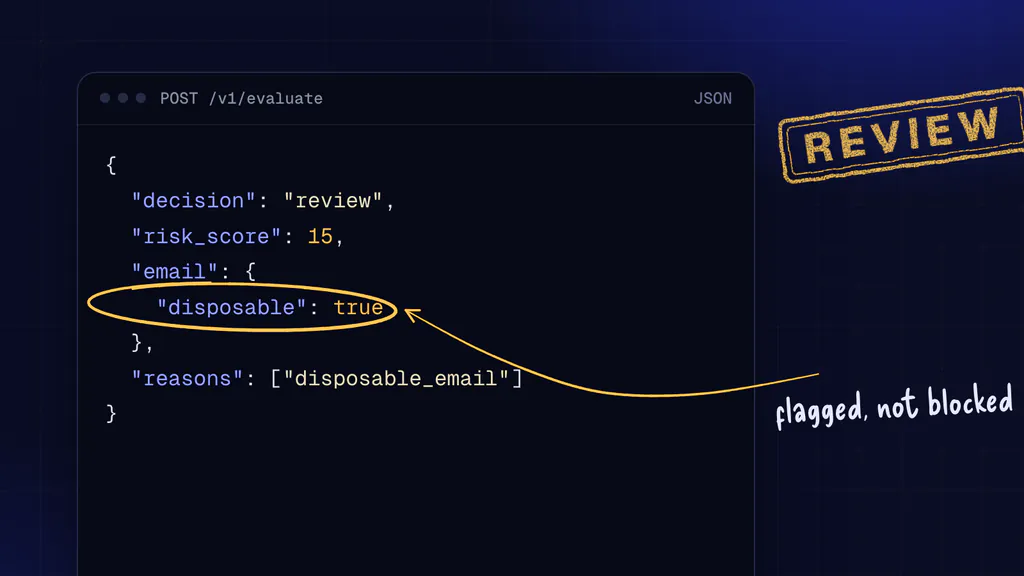
One call before signup, login or checkout returns decision, risk_score and the reasons behind them. The Free plan includes 10,000 visitor checks a month with no card, and setup starts in watch mode, so nothing is blocked until you turn blocking on.