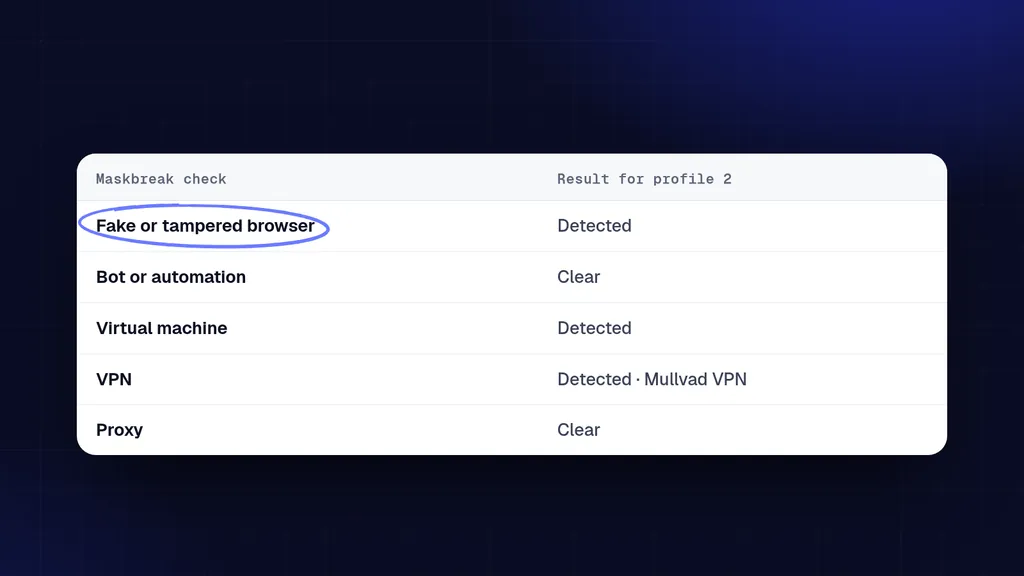
I opened Maskbreak in a GoLogin profile on 27 November 2026. The visit appeared as Google Chrome 157 on macOS. When I expanded the visit details, the browser check read “Antidetect browser”. The detailed result said “Fake or tampered browser” — Detected.
Which GoLogin profile I checked
My GoLogin dashboard listed three ready profiles named Estonia 1, Estonia 2 and Estonia 3. Each carried a “Residential · EE” label. The profile editor and the browser window I captured both showed the name “profile 2”. Its editor listed Chrome on Mac, with “Without proxy” selected.
Inside that browser, Maskbreak identified the connection as Mullvad VPN. The dashboard labels describe the saved profiles. The connection in the visit report is the one Maskbreak actually saw.
Test an antidetect profile
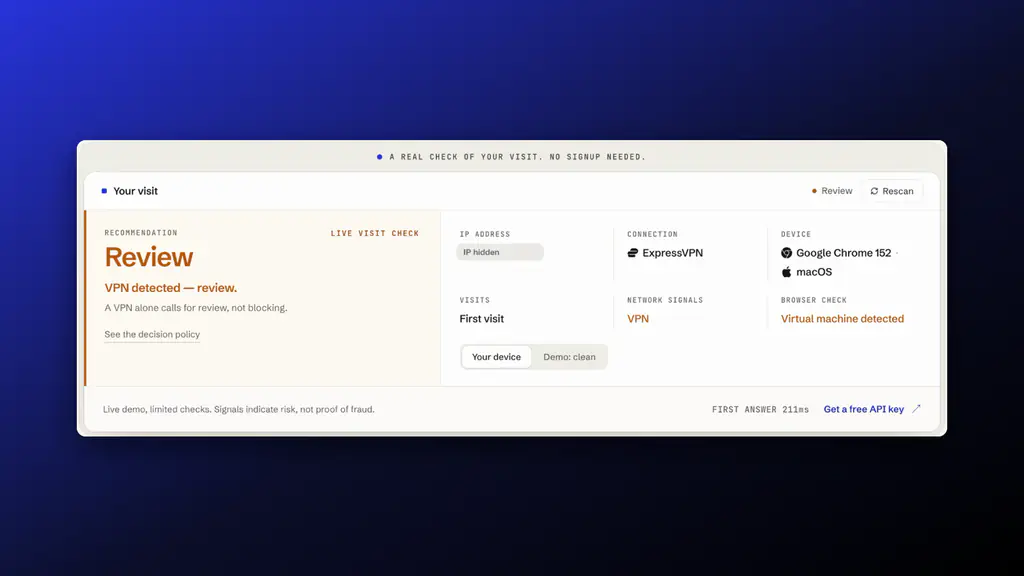
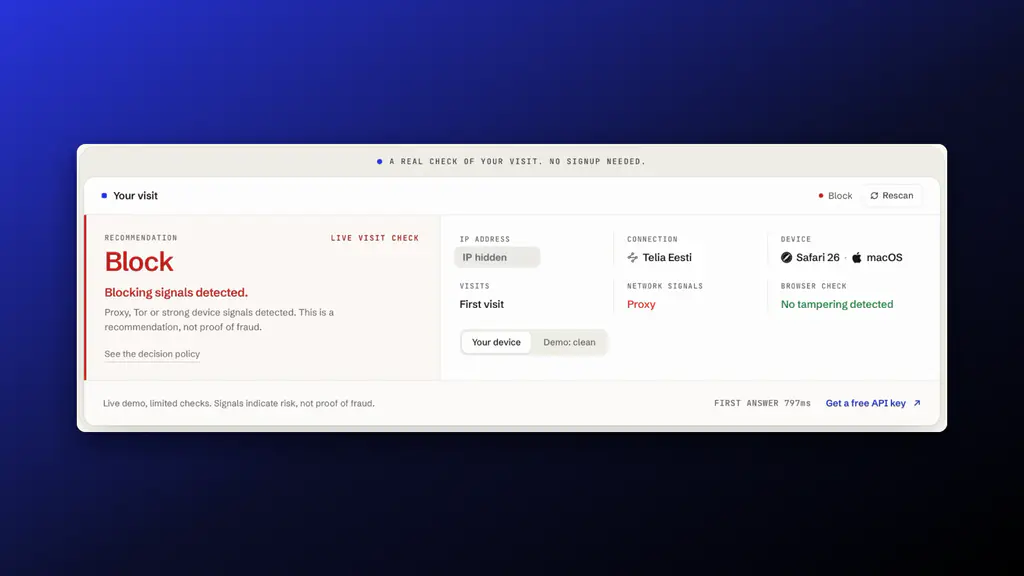
Open the live check on our homepage in your everyday browser, then in an antidetect profile, and compare what each visit gets back, with no sign-up.
What Maskbreak detected
| Maskbreak check | Result for profile 2 |
|---|---|
| Fake or tampered browser | Detected |
| Bot or automation | Clear |
| Virtual machine | Detected |
| VPN | Detected · Mullvad VPN |
| Proxy | Clear |
The visit counter showed two visits. The report above is the result I captured for profile 2. The browser and automation checks answered different questions about that visit. Maskbreak flagged the browser as tampered even though the automation check came back clear.
I knew the product was GoLogin because I launched the profile myself. What a site using Maskbreak sees is the browser finding. For another example from the same day, see my Aurorium retest.
Spot fake browsers at your signup
One call from your server returns allow, review or block for each visit, with a check of the browser itself for tampering, automation and fake browsers. The Free plan includes 10,000 visitor checks a month with no card, and setup starts in watch mode, so nothing is blocked until you turn blocking on.